Rebuild Your Estimating In Three Weeks — Fast Budget Estimates, Supplier Pricing That's Yours, And AI Doing The Takeoffs.
Three Tuesday nights with Adam, 90 minutes each, live on a real estimate. You finish with the WunderOps budget estimating template running in your own account, your supplier pricing feeding it, and AI doing your takeoffs.
Round 3 - 3rd November 70% Sold
$605 inc. GST · one payment · lifetime group access included
Tues 3, 10 & 17 November · 7:30pm AEST (Sydney) · 90 min live · Replays sent next day
Still got questions? Email [email protected]
How it works
Three 90-minute sessions with Adam
Tuesday nights, 7:30pm AEST. Adam works through the estimating process he actually runs in Veo Building Co. — on screen, on a real estimate, start to finish.
- Tues 3 November — the budget estimating template: takeoffs, toggles and line items
- Tues 10 November — live supplier pricing and building your master price list
- Tues 17 November — estimating with AI: Grok bot and Claude doing your takeoffs
- Questions answered live — bring your own plans and your own numbers
- Replays sent to your email and phone the next day
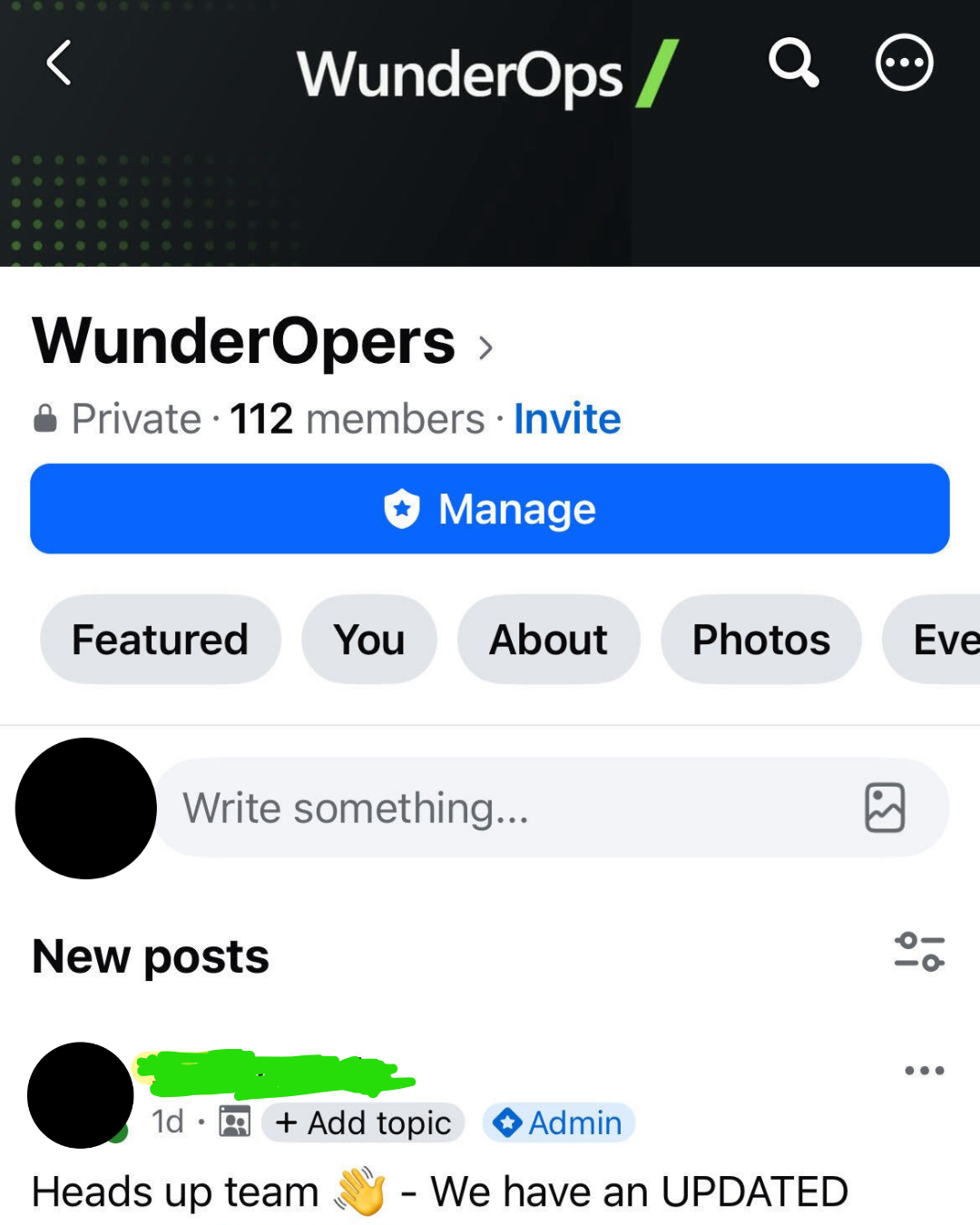
Lifetime access to the builders' group
When the live sessions finish you move into the private WunderOps Facebook group — and you stay there. No renewal, no cut-off.
- Ask anything about implementation as you build it out
- Stuck on a toggle, a rate or your price list? Post it and get it sorted
- Updates as the template and the AI tools change
- Every new round of builders joins the same room — it keeps growing
- Lifetime access. You're in for good
We Have More Proof Than Anyone


The questions builders actually ask
What is a budget estimate, and why start there?
It's the fast, accurate number you put in front of a client early — before anyone's spent weeks on detailed pricing. It's the most important step in pre-construction, because it tells you whether they're fair dinkum and worth moving to the next stage.
The template does the heavy lifting: a few takeoffs, a few answers, a few toggles, and the line items change, multiply and fill in around them.
Do I need to be technical?
No. Adam's a builder, not an IT bloke. Every session is done on screen in a real Wunderbuild account, step by step, in plain English. If you can use Wunderbuild you can do this.
Do I need my own AI subscription?
Not for weeks one and two — the template and your price list don't need it.
Week three is the AI session, and for that you'll want a paid Claude plan of your own. Any tier works; Claude Pro is around $30 a month and is plenty to get going. If you can stretch to Max you'll get more out of it because you won't hit usage limits mid-estimate. We'll send you exactly what to have set up before that session.
Do I need a Wunderbuild account already?
Yes. This is built for builders running Wunderbuild — the estimating template, the pricing and the AI side all feed off your own data, and it's not a generic estimating course. You need an existing account to follow along and get value out of the three weeks.
What do I need set up before the first session?
Your Wunderbuild login, a laptop, and a set of plans you'd like to price. That's it for night one. We'll send a short setup checklist after you book so you're ready to go rather than fumbling with logins while Adam's talking — and a separate one before the AI session in week three.
What time are the sessions, and what if I'm still on site?
Tuesday nights — 3, 10 and 17 November — 7:30pm AEST (Sydney time). 90 minutes each. Deliberately after hours so you're not pulling yourself off a job.
If you can't make one live, the replay goes to your email and phone the next day, and it's posted in the group. You won't lose anything.
Do I actually use this on my own jobs, or just watch?
You use it. Adam works through the template live, and you set it up on your own estimates after each session. The point is that you finish the three weeks pricing jobs with it — not with a folder of notes.
How much time does this take outside the sessions?
The three Tuesday nights are the commitment. You'll get more out of it if you put a real job through the template between sessions, but there's no homework to hand in and nothing to fall behind on.
Can my office admin or estimator come too?
Yes — and for this one we'd really encourage it. If someone else does your estimating, they should be on these nights with you. Your admin, estimator or anyone else on the team is welcome on your ticket — just let us know who's coming so we can get them the details and into the group.
Can I trust AI with my estimating? Doesn't it make numbers up?
Fair question, and it's the right instinct. That's exactly why weeks one and two come first — the template and your own master price list are the foundation, so by week three the AI is working off your rates and your way of building, not guessing from thin air.
You still check an estimate the same way you'd check a subby's invoice before you pay it. What changes is that the checking takes a minute instead of the pricing taking your Sunday.
I'm flat out. Have I got time for this?
That's exactly who it's for. Every builder in Rounds 1 and 2 was flat out too. Three Tuesday nights, after hours, with replays if you miss one. The whole point is getting estimating off your nights and weekends — not adding another thing to them.
What will I actually have after three weeks?
A budget estimating template you can put a job through in a sitting. A master price list that's yours — your suppliers, your rates, updating itself instead of going stale. And AI doing your takeoffs off plans, trained on how you estimate and how you build.
How far you take it is up to you — that's what the group's for.
What if I fall behind or something breaks?
Post it in the group. That's the whole reason the group exists and why access doesn't expire — implementation questions don't stop when the third session finishes.
What happens straight after I pay?
You'll get a confirmation and a tax invoice for your ABN, the Zoom details for all three Tuesdays, your setup checklist, and your invite into the builders' Facebook group. Nothing else to organise.
A builder. Not a consultant.

Adam has spent more than a decade running construction companies and today runs Veo Building Co., a custom builder on the Southern Tablelands turning out forever homes on acreage. In-house carpenters, long-term trades, multiple jobs running at once.
A few years back he was running it the way most builders do. Spreadsheets, paper diaries, three different apps, a notebook in the ute, half the costs in his head. Quotes took weeks. Margins slipped. Jobs fell through the cracks.
Today every job, every cost, every team member, every variation and every client update lives in Wunderbuild. No spreadsheets. No double entry. No "where did I save that?" The budget estimating template in this series is the one he built for his own business — a builder and a carpenter working out how a crew-running residential builder should actually price work and hold a budget. Rounds 1 and 2 both sold out. This is the next one.